
Set up and verify your Google Business Profile
Updated November 9, 2026 · 3 min read
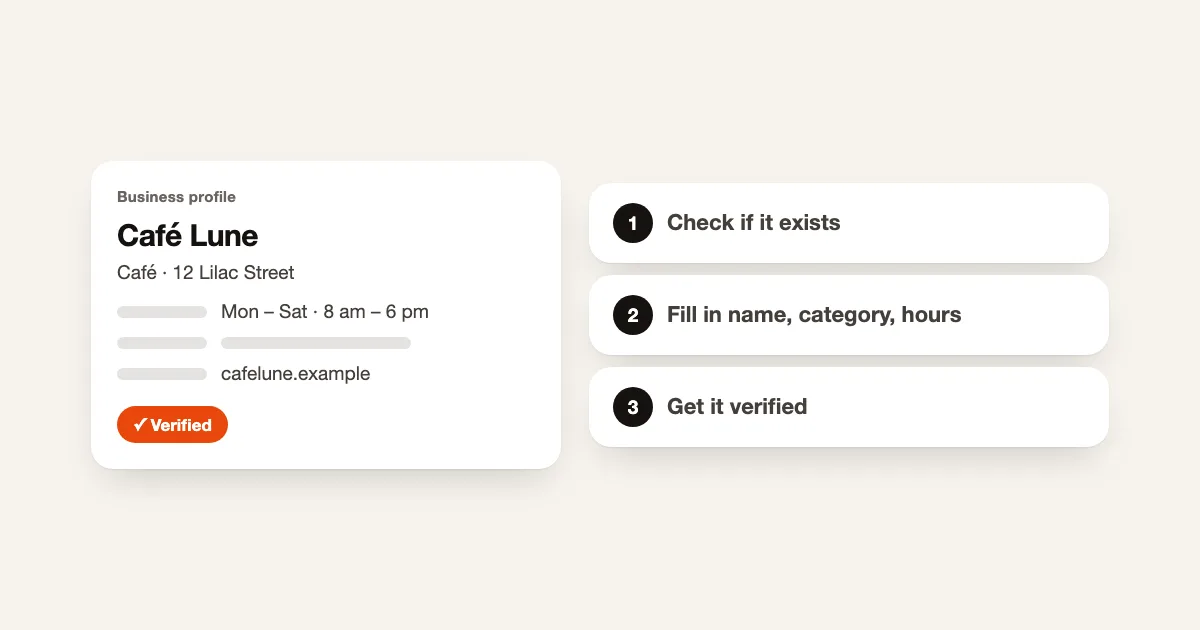
Your Google Business Profile is what people see first when they search for your kind of business nearby. It is free. You find it or create it, fill it in with accurate details, then get Google to verify it.
Who it is for Any business where customers come to you or you go to them: salon, café, garage, clinic, tradesperson.
Check whether the profile already exists
Signed in to your Google Account, search for your business name on Google or Google Maps. A profile often exists already, created by Google or by a customer. If it does, ask to manage it rather than creating a second one: two profiles for the same place get in each other’s way.
Create it if it does not exist
Search for “Google Business Profile” and add your business. Use the name exactly as it appears on your sign: do not add a city, keywords or a slogan.
Fill in everything it asks for
Pick the primary category that best describes what you do. Enter your address (or the area you travel to), phone number, website and above all your opening hours. Add holiday hours when you know them.
Get the profile verified
Google chooses how you verify: a call or text with a code, an email, a video, or a letter with a code. You cannot change the method offered. Google says a verification review can take up to 5 business days.
- A number that goes through an automated switchboard will not receive the code.
- Do not edit the name, address or category while a letter is on its way: the code would stop working.
- Do not ask for a new letter if the first is late: it makes the first code invalid.
- A code sent by letter expires after 30 days.
- Google will never ask you for your code: do not give it to anyone.
Add photos and a description
A profile with no photos earns little trust. Follow the guide “Photos that make people want to visit” next, then write two sentences about what you do and who it is for.
Link the profile and your website
Put your website address in the profile, and the profile link on your website. That same link is what you will use to collect reviews (see “Get honest reviews”).
Did this guide help?