












Stop my subscription
Updated 29 October 2026
From your account, in four clicks at most: Settings › “Plan”, “Stop my subscription”, a reason then “Continue”, and the final button, which says what happens (for example the amount refunded). You see what happens first, and nothing stops until you confirm.
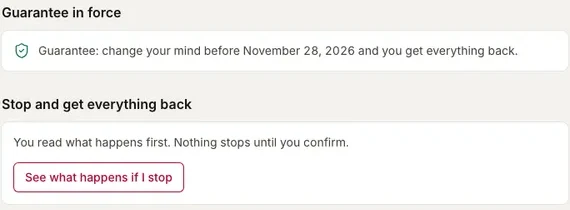
- Monthly: no further payment is taken; the site stays online until the end of the month already paid.
- Paid upfront (12 or 24 months): the subscription is not renewed; the site stays online until the end of the paid period. After the 30-day guarantee, the remaining term is not refunded.
- A confirmation of the stop is sent by email.
Before you confirm, an alternative may be offered (pause, discount…). “Cancel anyway” ends the subscription; “Keep my subscription” keeps it.
Did this article help?