
Photos that make people want to visit, shot on a phone
Updated 9 November 2026 · 2 min read
Your phone is enough. What matters: daylight, a clean lens, and photos that show your real place and your real work. A dozen good photos beat fifty average ones.
Who it is for Any business with a place, products or work to show.
Get the place ready
Tidy up, wipe the surfaces, switch on the shop-window lights. A cluttered counter in a photo says “cluttered business”.
Use daylight
Stand by a window or outside, with no flash. Avoid harsh sun straight in your subject’s face; a clear sky or an overcast day gives a soft light.
Take five kinds of photo
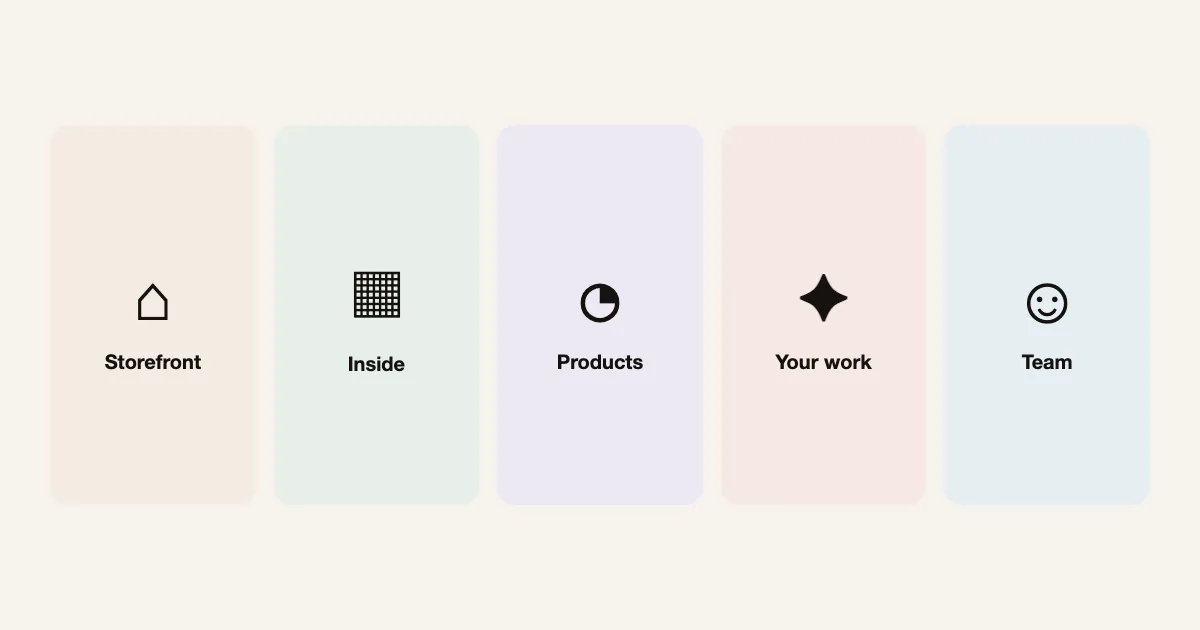
The front, seen from the street, so people recognize it on arrival. The inside. Your products or dishes, one at a time. Your work under way or finished (before and after where it fits). You or your team at work, with everyone’s agreement.
Frame them and keep the best
Hold the phone straight, take three shots of each subject, keep the best. Aim for about a dozen images to start.
Follow Google’s formats
For your Google profile, Google asks for JPG or PNG photos between 10 KB and 5 MB. It recommends 720 pixels tall and wide, and the minimum is 250 pixels. Videos are 30 seconds at most, 75 MB at most, 720p or higher. Photos should be in focus and well lit, with no heavy editing or excessive filters.
Pick a logo and a cover photo
The logo helps customers recognize you. The cover photo is the image that represents you best; Google does not always show it first.
Did this guide help?