
They want to know if you’re open.
List lunch and dinner hours for each day. Spell out the day you’re closed. A guest who reads “Closed Mondays” won’t call you on a Monday.
Mid-rush, the phone rings. Right after your greeting, the caller asks if you’re open.
They only wanted your hours. Until those hours are posted where guests look, these calls keep cutting into service.
List lunch and dinner hours for each day. Spell out the day you’re closed. A guest who reads “Closed Mondays” won’t call you on a Monday.
Put dishes in plain text, each with its price. A crooked photo of a paper menu makes people pinch and zoom. A long PDF loads badly on a street corner.
Say how many guests you can seat. Say whether you take large parties and private events. Then a guest knows whether to send a request.
Give the address and a landmark nearby. If the entrance sits off an alley or inside a plaza, add a photo of it. Say where to park at night.
Show your dining room and a few plates, shot on site. A guest who walks in then recognizes the place. A stock image lets them down at the door.
Each dish gets a line that says what goes into it. Mention nuts or sesame there. Guests with allergies then ask fewer questions on the phone.
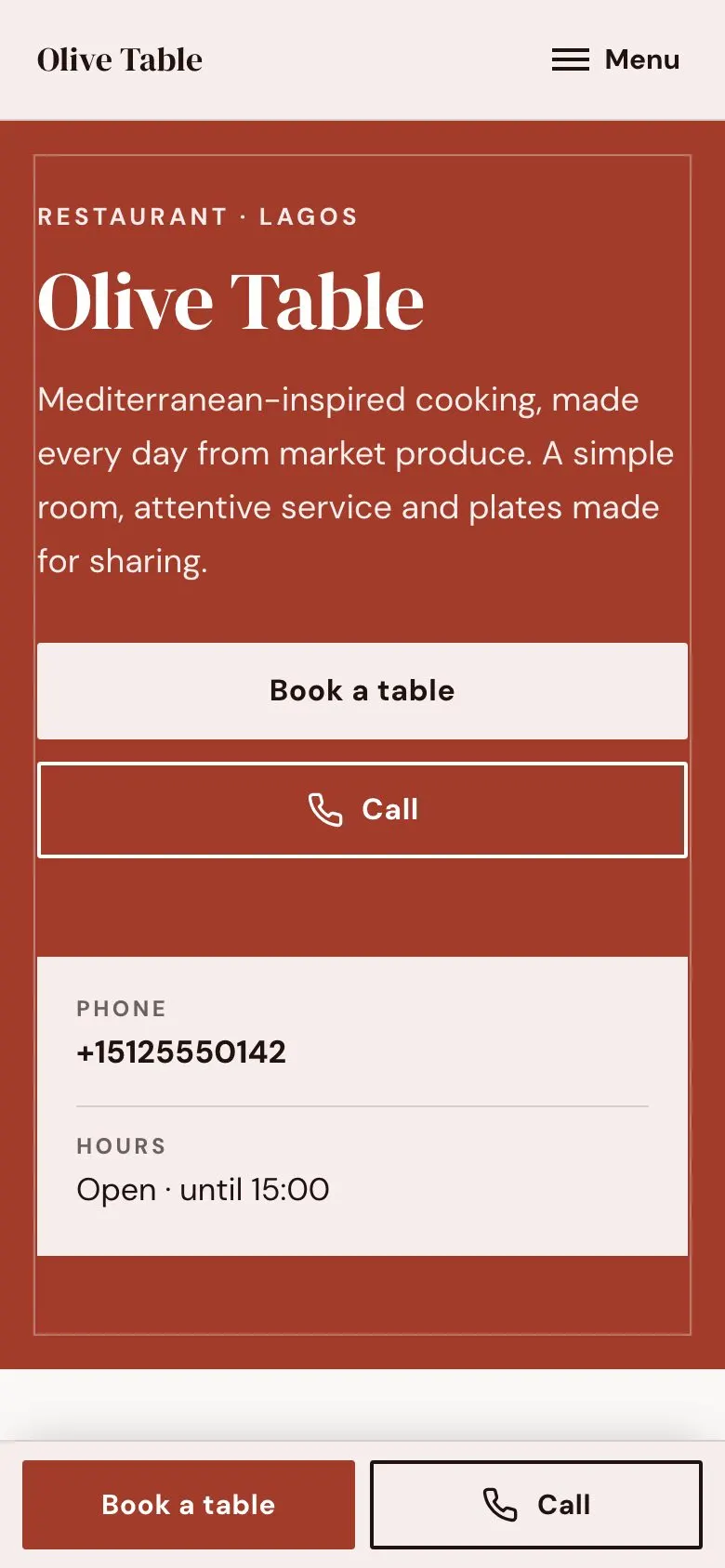
Olive Table is a restaurant template from our gallery. Dishes are sorted by section, each with its price. The hours show the day it’s closed. The booking form asks for the date and time, then the party size. The call button sits at the top of the page. Picture your own dishes in place of ours.
$24 a month, paid upfront for 1 year ($288).
Or $29 month to month, no contract. Setup is then a one-time $99.
An agency often bills for the site once, then for each menu update. Ask about that before you sign. With us, your price doesn’t go up when you renew.
Prices exclude taxes.
$24 a month for Essential, on a 1-year plan. Pro is $49 over the same term. The pricing page lists the other terms.
You do, in the My Site editor. Fix the dish or its price. The site shows the new line.
No. It passes the guest’s request to you. You accept the table or suggest another time.
No. The site shows your dishes and their prices. Guests order by phone or on WhatsApp, then pay at the restaurant.
No. The site doesn’t sync with any delivery service. You can list the neighborhoods you deliver to.
So your hours can be read without sending a message. On your site, guests see when you open and what’s on the menu. They call only to book.
Update the hours for those days in the editor. Add a banner at the top of the site for Thanksgiving week. Take it down once the week is over.
Yes, with Pro. The site then runs in 2 languages you choose. Essential stays in one language.
Work starts once your payment is in and your details are sent.
You cancel online, whenever you decide. 30-day money-back guarantee: if you don’t like the site, you get a full refund for 30 days after it goes live.
Pick your plan. You send us your photos right after you pay.
See pricing