
From counter to phone: QR codes, links and cards
Updated 9 November 2026 · 2 min read
Your customers are already there, in front of you. A well-placed QR code takes them straight to where you want them to go: leave a review, message you, open your website. Here is how to choose it, print it and test it.
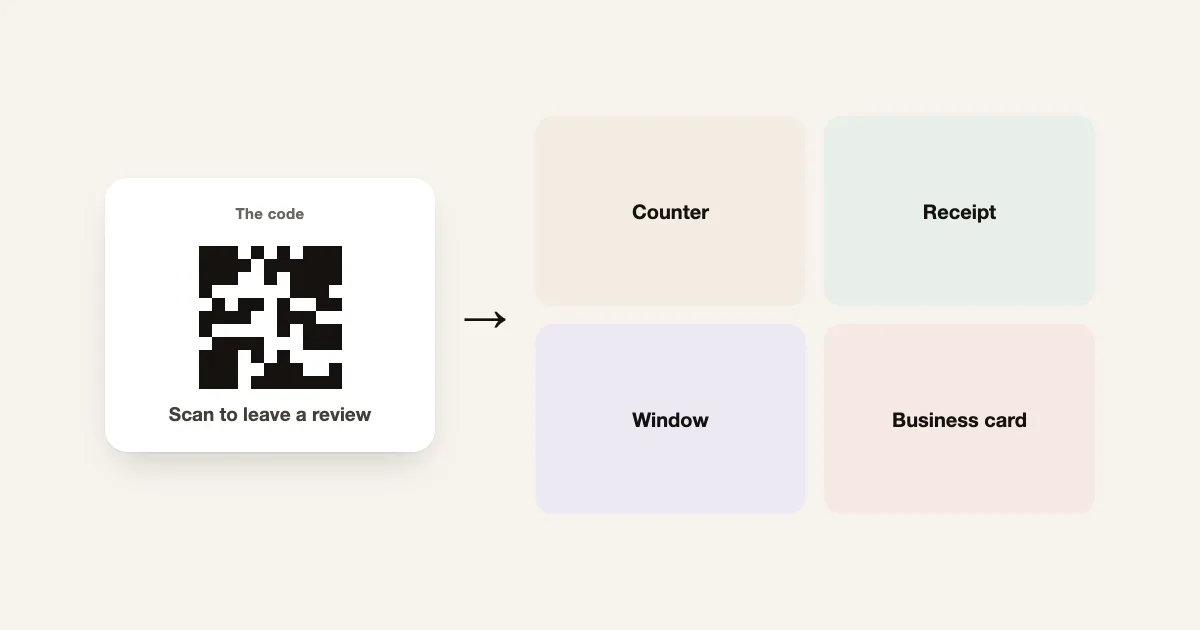
Who it is for Any business with a counter, a window, a till or business cards.
Give each code one job
One QR code, one action: leave a review, or message on WhatsApp, or open the website. Put two actions on one code and nobody does either.
Get the code
For Google reviews, the link and code are created from your profile. For WhatsApp Business, the app creates a short link and a QR code; the opening message is 140 characters at most and the customer can edit it. For your website, any free QR tool works: check that it does not go through a temporary link that expires.
Print it big enough, with strong contrast
A dark code on a light background, with no picture behind it, at least three centimetres wide, with a white margin around it. Write above it what it does: “Scan to leave a review”.
Put it where people wait
On the counter near the till, on the receipt or invoice, in the window at eye level, in the delivery bag, on the business card. At the till, the customer has time and a phone in hand.
Test with two phones
Scan it with an iPhone and an Android phone, in the window and at the counter, before printing the lot. Check where it leads.
Watch what comes in
After a few weeks, count: how many reviews, how many messages. If nothing moves, change the spot or the sentence, not the code.
Did this guide help?