
Your clients find your prices and your hours.
A barber’s client wants two things before setting out: the price of a cut and a beard trim, and whether the door is open. Your site says so at once.
What your barber shop’s site does
Cut, beard, shave
Each service has its price on the page, with your packages if you sell any, for example a cut and a beard trim together.
With or without an appointment
Say so at the top of the page. Clients know if they can walk in or must message you first.
Your hours, day by day
Opening hours and the closing day sit under the prices. They no longer get lost in a message.
The way to your door
The address, a known landmark of the area and the directions button sit under the hours. The client arrives without calling you.
A template for this trade
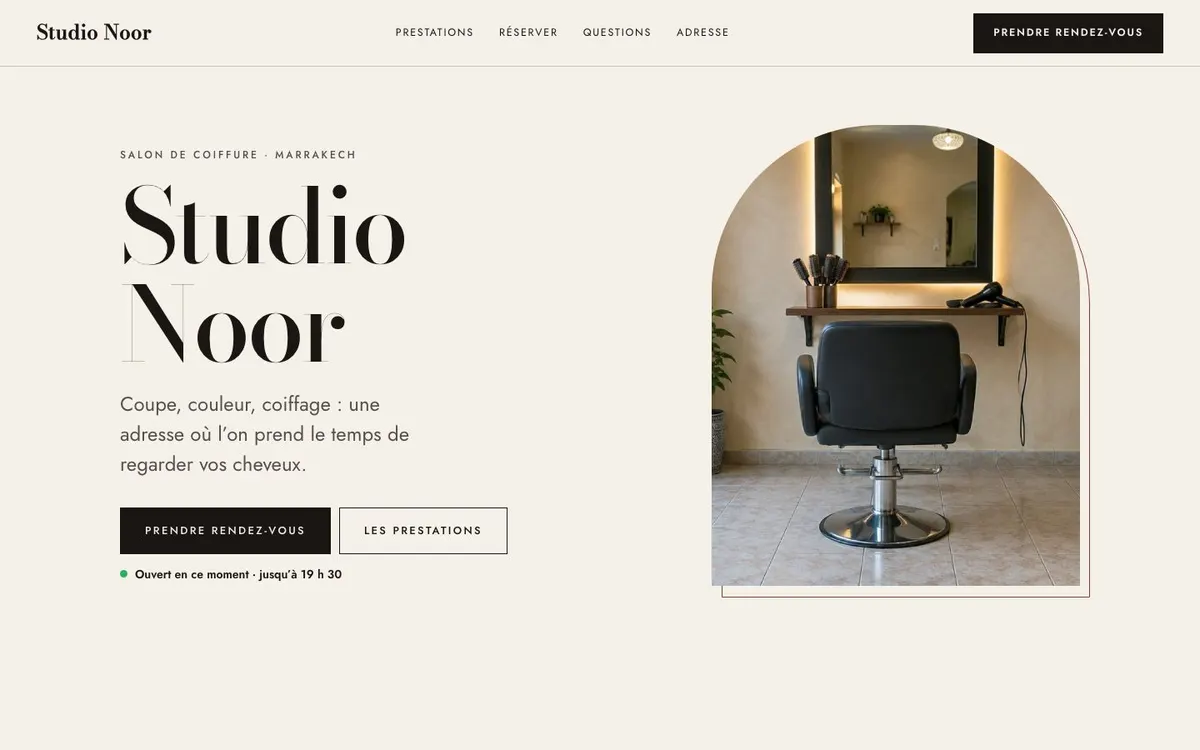
A sample site, with a fictional business and illustration photos. Yours carries your name, your prices and your photos.
Five questions from a barber shop
Can I say that I take walk-ins?
Yes. It is a line of text that you write and change whenever you want.
Can clients book an exact time on the site?
No. They message you on WhatsApp, call you or send a request. You confirm the time.
Can I show my cuts?
Yes. You send photos of your work and your shop that you hold the rights to. They replace the ones in the template.
Can I set a price per service?
Yes. One line per service or package, with “from” when the price varies.
Does the site read well on my clients’ phones?
Yes. On a phone, the prices, the hours and the button to message you are at the top of the screen.
Sites by specialty
Price
Essential costs $33.99 a month and Pro $64.99, paid upfront for 1 year. Month to month, it is $39 a month, with $129 to set up. Refunded for 30 days after it goes live.