
Your clients see your prices before they come.
A hair salon gets the same questions all week: how much is a colour, are you open on Saturday, do you take children. Your site answers before the phone rings.
What your hair salon’s site does
A price list for each section
Cuts, colours, blow-dries and treatments each get their own section and price list. While a price is missing, the site shows “On request”.
Who you welcome
One line at the top of the page says whether you welcome women, men and children. Clients know if they can come as a family.
Your work
Your photos of cuts and colours, taken in your salon, replace the ones in our template. A client who appears in a photo must have agreed.
The appointment request
Clients message you on WhatsApp, call you or send a request with the service and the day they want. The site does not know your free slots, so you confirm.
A template for this trade
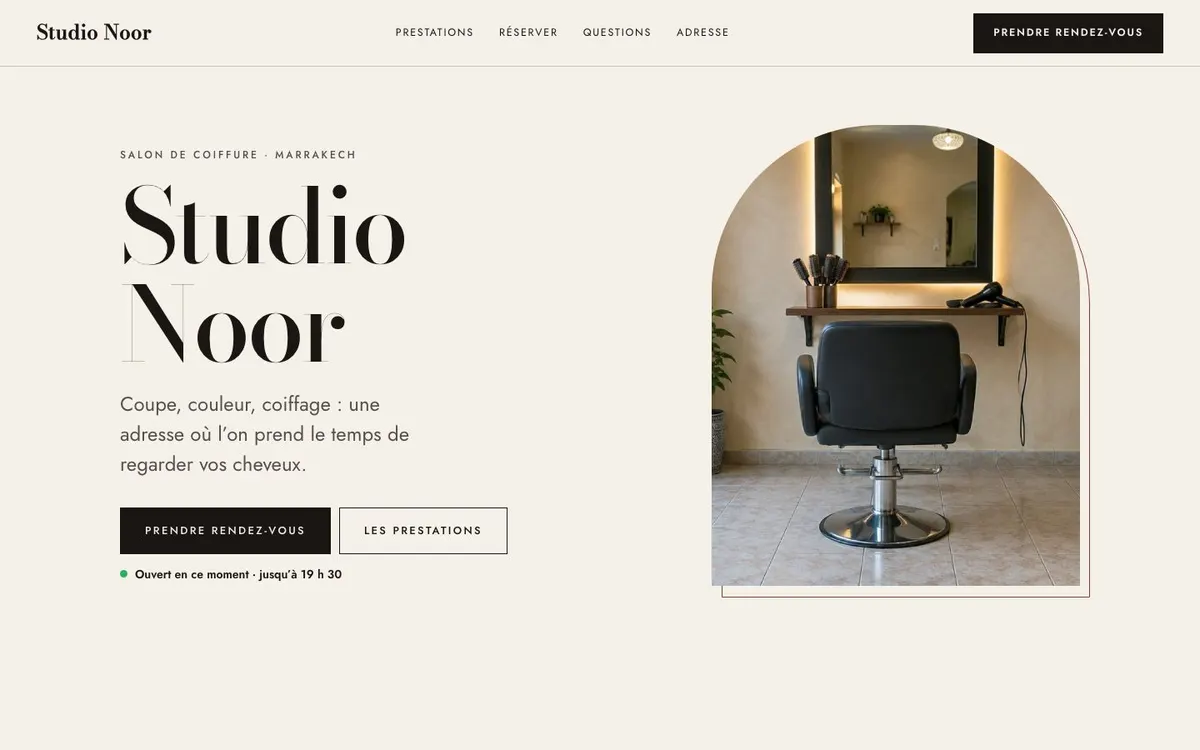
A sample site, with a fictional business and illustration photos. Yours carries your name, your prices and your photos.
Five questions from a hair salon
Can I show the price of a colour by hair length?
Yes. Write one line per length, or a “from” price. You edit each line yourself in the My Site editor.
Can clients book a slot on the site?
No. They send a request and you confirm the slot, as you do today. The site does not know your free slots.
Can I change my prices without going through you?
Yes. From your phone or your computer, in the My Site editor. The site updates when you publish.
Do I have to provide the photos of the salon?
Yes. After you order, send the photos you hold the rights to. We do not take your photos.
Can I announce a closure or holiday hours?
Yes. A bar at the top of the site announces your closing dates. Put the same message on WhatsApp and on your Google listing.
Sites by specialty
Price
Essential costs $33.99 a month and Pro $64.99, paid upfront for 1 year. Month to month, it is $39 a month, with $129 to set up. Refunded for 30 days after it goes live.